
In a world where privacy feels like a luxury, writing in invisible ink on an iPhone could be your secret weapon. Imagine sending messages that only your chosen recipients can read while leaving everyone else scratching their heads. It’s like modern-day espionage, minus the trench coat and spy gadgets.
Overview of Invisible Ink on iPhone
Invisible ink on iPhone offers a unique feature for users aiming to maintain privacy in their conversations. This functionality enables sending messages that remain hidden until recipients take specific actions to reveal them. It’s ideal for sharing sensitive information without making it immediately visible.
Invisible ink appears as blurred text within a message. Users activate this feature by selecting the invisible ink option when composing a message in the Messages app. The recipient must swipe over the message to reveal the contents, ensuring only intended audiences access the information.
Visibility depends on the user’s action, allowing for strategic communication. Similar to traditional forms of secret writing, invisible ink remains an effective method for private exchanges. Individuals can express thoughts and sentiments without unintentional exposure, promoting a sense of confidentiality.
Privacy also extends beyond simple message transmission. Utilizing invisible ink fosters user trust while engaging in digital conversations. This attention to secure communication aligns with growing concerns over data privacy and security in today’s digital age.
Overall, the invisible ink feature on iPhone adds a layer of discretion to messaging that aligns with modern privacy expectations. By incorporating this option, users enhance their ability to communicate securely and maintain control over their shared information.
Features of Invisible Ink
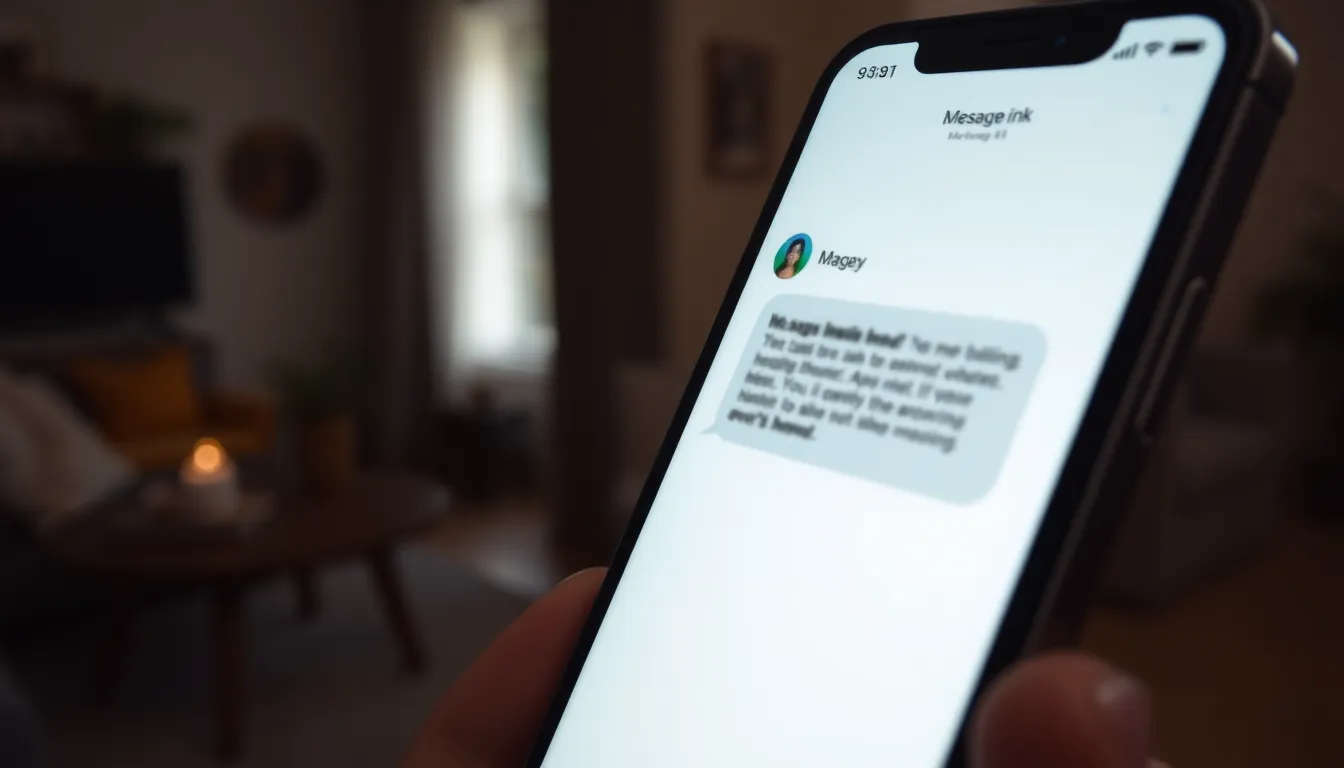
Invisible ink on iPhone enhances messaging privacy by allowing users to send concealed text that only intended recipients can reveal. This feature adds intrigue while securing personal conversations.
What Is Invisible Ink?
Invisible ink refers to a messaging feature that obscures text within a message. The content appears blurred and unreadable unless a user takes specific actions to reveal it. Only individuals with access to the recipient’s device can view the hidden message, providing a layer of security for private communication.
How It Works on iPhone
The invisible ink feature operates seamlessly in the Messages app. Users need to type their message and then select the invisible ink effect before sending. Upon receiving a message masked with this effect, recipients must swipe over it to unveil the text. This interaction ensures that only those who know how to engage with the feature can access the information.
How to Access Invisible Ink on iPhone
Invisible ink can be accessed easily on an iPhone, primarily through the Messages app. This functionality allows users to send covert messages that enhance privacy and confidentiality.
Using the Messages App
To use invisible ink in the Messages app, users start by opening a conversation. Typing a message remains straightforward. Once done, the user can press and hold the blue send button. Swiping left reveals several message effects. Selecting “Invisible Ink” applies this feature. Recipients receive a blurred message that can only be revealed by swiping over it. This method creates a unique way to share thoughts discreetly, ensuring that only designated readers have access.
Other Applications Supporting Invisible Ink
Invisible ink extends beyond the Messages app. Popular social media platforms like Snapchat and Instagram incorporate similar features. Users can send disappearing messages or apply creative filters that hide text. Third-party messaging apps may also offer options for secure communications. Each platform provides a distinct way to enhance privacy while messaging. Exploring these alternatives adds variety to how individuals can communicate safely.
Tips for Effective Use of Invisible Ink
Invisible ink on iPhone enhances communication privacy. Users can explore various methods to maximize its effectiveness.
Creative Ways to Use Invisible Ink
Reveal surprises by sending birthday or anniversary messages. Users can send hints that only recipients can unveil, creating excitement. Share secrets with friends by using invisible ink during group chats, ensuring messages stay private until uncovered. Enhance storytelling by mixing visible and invisible text, allowing readers to discover plot twists. Convey sensitive information, such as passwords or private notes, discreetly within a conversation. Employ invisible ink for playful banter, where only the intended recipient understands the hidden joke. Experimenting with these creative approaches boosts engagement and transforms everyday messaging into an intriguing experience.
Potential Limitations
Invisible ink has its challenges. Users may experience frustration with swiping gestures, especially for those unfamiliar with the feature. Not all recipients may know how to reveal hidden messages, leading to missed information. Conversations can lose context if invisible text isn’t strategically placed within messages. Limited visibility can also pose challenges for quick exchanges, creating delays in communication. Additionally, certain platforms might not support invisible ink, restricting its use across all messaging applications. Recognizing these limitations enables users to make informed choices when employing this unique feature.
Invisible ink on iPhone offers a creative way to enhance message privacy and security. By allowing users to send concealed messages that require specific actions to reveal, this feature fosters a sense of confidentiality in digital communication. It empowers individuals to share thoughts and secrets without the fear of unintended exposure.
As users explore this unique messaging option, they can find innovative ways to incorporate invisible ink into their conversations. Whether sharing surprises or mixing visible and hidden text, the possibilities are endless. Embracing this tool not only adds intrigue to communication but also aligns with the growing demand for privacy in today’s digital landscape.


